Cinematic Hybrid Orchestra — Nathan Hofheins
Nathan Hofheins · Vision Music Publishing

Give Your Next Concert a Cinematic "WOW" Factor

Without the Tech Headache!

live orchestra + backing tracks — controlled by the conductor

Scroll
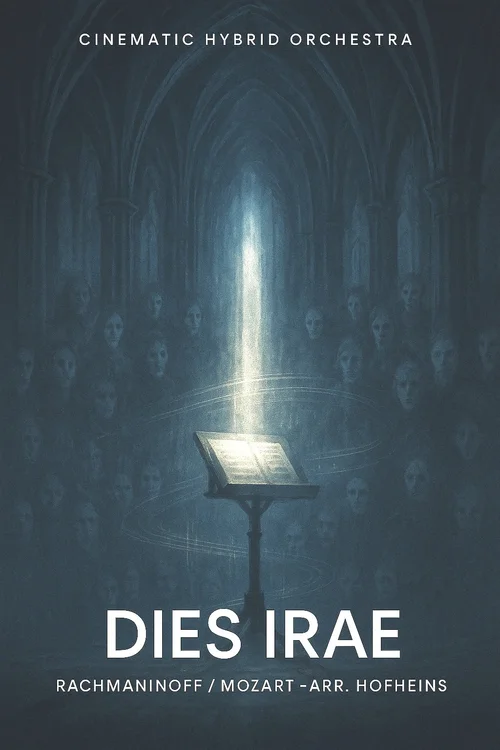
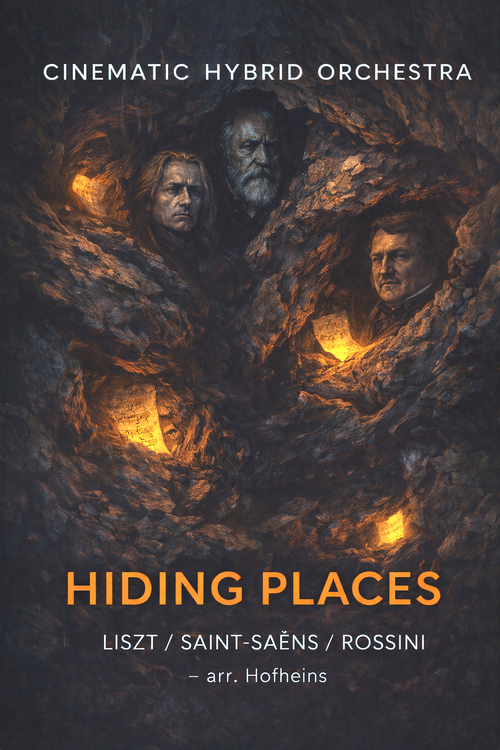
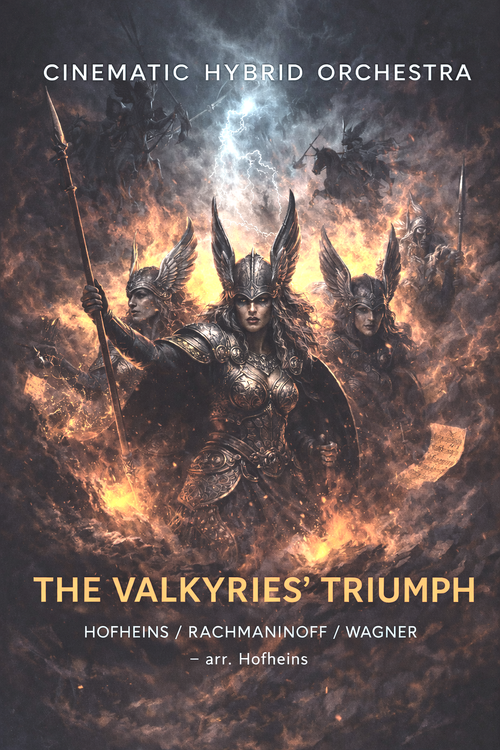
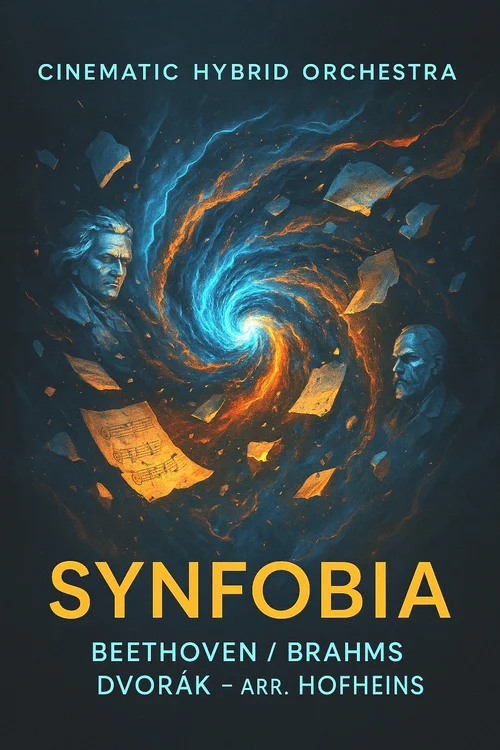
Cinematic Hybrid Orchestra Series CueConductor iOS App Chesco County Pops BYU Symphony Orchestra Walla Walla University Symphony Luminescence · Dies Irae · Hiding Places The Valkyries' Triumph · Synfobia Cinematic Hybrid Orchestra Series CueConductor iOS App Chesco County Pops BYU Symphony Orchestra Walla Walla University Symphony Luminescence · Dies Irae · Hiding Places The Valkyries' Triumph · Synfobia

CueConductor Pro app walkthrough using "Luminescence"

Live orchestra.
Cinematic impact.

Delight your audiences with recognizable, beloved classical themes infused with modern cinematic color and impact using traditional orchestral forces plus curated non-orchestral elements, performed live with a PA system and a simple playback setup.

You Stay in Control Balance of pre-recorded elements is conductor-controlled with the customized CueConductor app for iPhone or iPad.
Low Rehearsal Risk Clear workflow and practical tech requirements — start with a single dress rehearsal in the hall.
Fresh Audience Appeal Well-known classical themes infused with cinematic "wow" and modern color — something genuinely new.
"

The audiences really enjoyed the hybrid program and thought it was very innovative. Funny how several people were wondering if the orchestra was singing since they obviously didn't see a choir but heard voices. I think the orchestra was a little unsure at first at the start of the rehearsals, but by the performance, many of them shared with me how unique it was and they thought it was a really cool program.

— Joe Gehring Chesco County Pops and Immaculata University Orchestras
"

I'm so excited to do this program! Our students and the audience are going to love it. Your music is always a favorite.
— Christian Smith BYU Symphony Orchestra

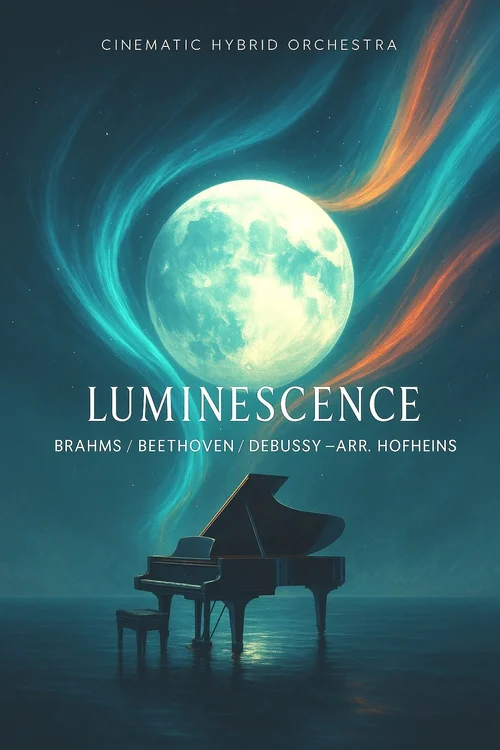
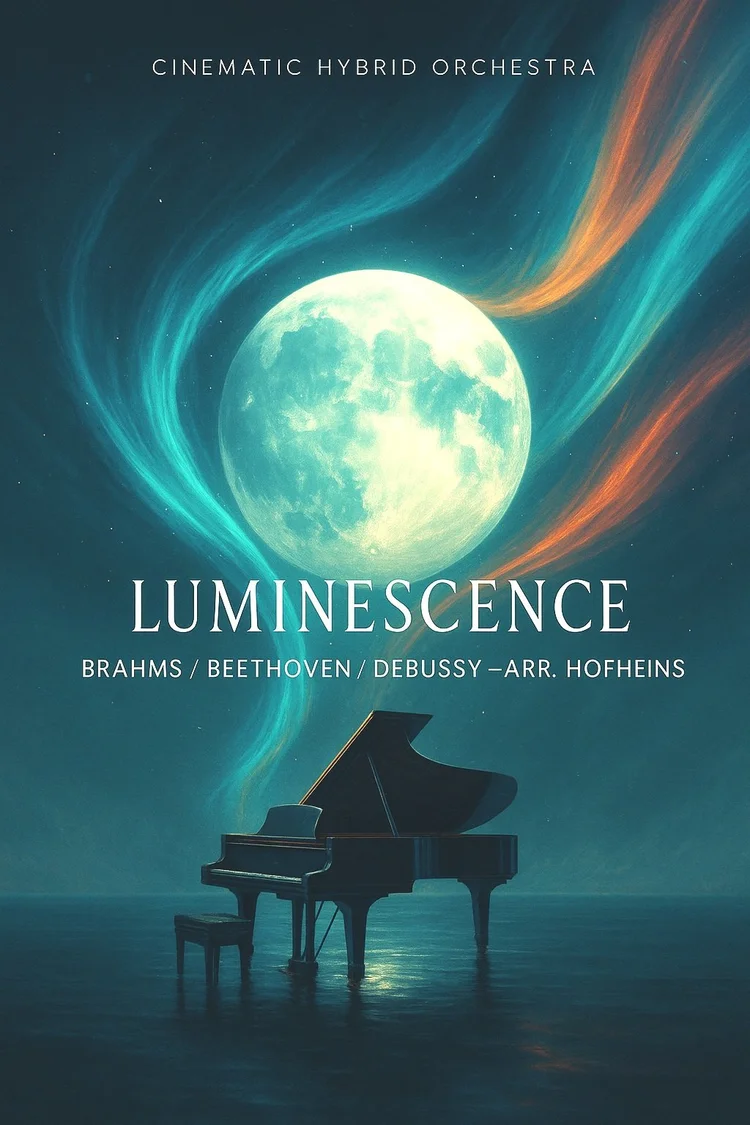
Luminescence score cover
⭐ Start Here

Luminescence

(Beethoven / Brahms / Debussy; arr. Nathan Hofheins)

Start with our flagship title: Luminescence (8'15", Medium Difficulty)

Each title in the Cinematic Hybrid Orchestra Series includes full score/parts plus pre-recorded backing tracks designed to blend seamlessly with live orchestra for a cinematic hybrid sound.

Fresh audience appeal: well-known and beloved classical themes infused with cinematic "wow" and modern color
Low rehearsal risk: clear workflow + practical tech requirements
You stay in control: balance of pre-recorded elements is conductor-controlled with customized CueConductor app for iPhone or iPad

Luminescence at a glance:

A colorful, cinematic medley of Beethoven's "Moonlight Sonata," Brahms' "Intermezzo," and Debussy's "Clair de lune" delivered with pre-recorded tracks to be performed live with orchestra.

DifficultyMedium
Duration8′15″
WW2222
Brass4231
Perc4 + timp
OtherHp/Pf · Strings · SATB & Guitar (optional)
CommissionedJoseph Gehring — Chesco Pops / Immaculata University Symphony, PA

Full Demo Video — "Luminescence"


Technical Specifications

Every title works at all three levels. Start simple and scale as you go.

PA / speakers: appropriate to your venue

Playback device: Conductor-controlled smartphone or house-controlled cue

  • One stereo .wav file (Left = click, Right = PA mix)

Simple connection to house sound and click: iOS/Android Adapter Pack (see Tech Pack for details)

  • Audio splitter from the conductor phone [left to conductor earbud, right to PA / Speakers].

PA / speakers: appropriate to your venue

Playback device: Conductor-controlled iPhone (using included CueConductor Standard app)

  • Cue package for each title customized for CueConductor
  • Split stereo audio (L = click, R = PA)
  • "Jump-to-measure…" and "Jump-to-letter…" rehearsal seeking in CueConductor
  • Synchronized video with measure counter, streamers, and pops in CueConductor

Simple connection to house sound and click: Lightning/USB-C Adapter Pack (see Tech Pack for details)

  • Audio splitter from the conductor iPhone [left to conductor earbud, right to PA / Speakers]
  • Small headphone control for conductor with in-ear monitor (earbud)

Dress rehearsal in the hall to set final balance

PA / speakers: appropriate to your venue

Playback device: Conductor-controlled iPad (using included CueConductor Pro app)

  • Cue package for each title customized for CueConductor
  • 2 Modes: Full stereo PA mix or split stereo audio (L = click, R = PA)
  • "Jump-to-measure…" and "Jump-to-letter…" rehearsal seeking in CueConductor
  • Synchronized video with measure counter, streamers, and pops in CueConductor
  • Conductor-controlled stem mixes for customizing the PA mix in CueConductor

Simple connection to house sound (click optional): Lightning/USB-C Adapter Pack (see Tech Pack for details)

  • Audio splitter from the conductor iPad: Stereo Mode (L & R to PA) or Split Mode (L to conductor, R to PA)
  • Optional: Small headphone control for conductor with in-ear monitor (earbud)

Dress rehearsal in the hall to set final balance

Conductor monitor: wedge or in-ear

Click track: sent to any in your ensemble (e.g. percussion section)


1
Perusal & Planning
Review the perusal score + tech pack. Confirm playback routing and stage placement.
2
Integration
Set track balance in rehearsal and in the hall, rehearse key transitions and cue points.
3
Performance-Ready
Run once with PA in dress rehearsal. Then enjoy the cinematic lift!


F.A.Q.

Typically, the conductor will decide if he/she needs the click. Using the CueConductor app, the conductor can keep the orchestra and pre-recorded tracks together using synchronized audio and video streamers and pops during rehearsal and performances.

The conductor runs playback from the podium.

The conductor has full control of the balance using the CueConductor app from the podium.

Full score and parts (PDF or physical delivery), audio and video assets for playback with a simple smartphone or using the CueConductor app for iPhone or iPad, and a tech pack for each piece.

Only a powerful enough PA system that can balance with the orchestra is needed. No other sound support is necessary as the balance is controlled from the podium by the conductor. If the PA system is moveable (on speaker stands, etc.), it can be placed on stage amidst or behind the orchestra so the orchestra and conductor can hear it. If it is not moveable, sometimes some on-stage monitors can be helpful so the orchestra can hear the pre-recorded tracks. The conductor can use an in-ear monitor (earbud) to hear the click if needed; however, using the CueConductor app, the conductor can see a synchronized video with measure counter, streamers, and pops to keep everything perfectly together.

Give your next concert a cinematic "WOW" factor